

- Call For Digital Signature
By 99Digital Signature on Aug, 27 2026
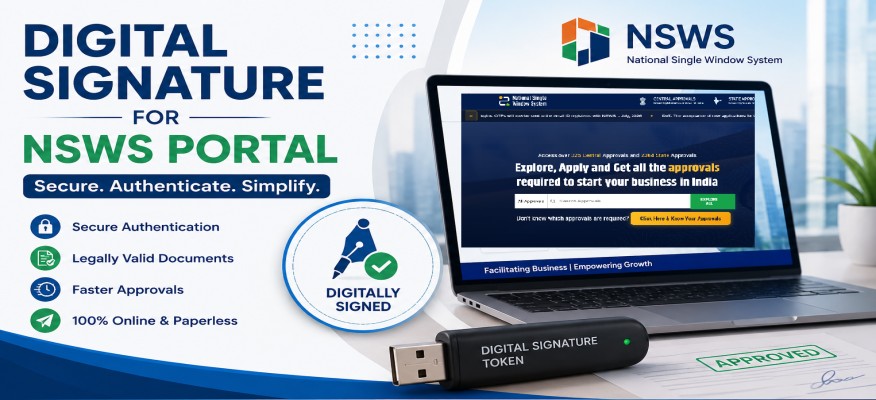
The National Single Window System (NSWS) is a platform created to help businesses and investors get various government approvals, registrations and clearances through a single online system. Because many applications and documents are sent electronically a Digital Signature Certificate (DSC) can be a requirement for finishing online tasks safely and quickly.
A Digital Signature Certificate is an identity used to confirm and digitally sign documents that are sent online. For businesses that use the NSWS portal a DSC can help confirm the identity of the person who is signing an application or sending business-related documents.
Of printing documents signing them by hand scanning them and uploading them again users can digitally sign documents that are eligible directly through the online process.
Businesses might have to send applications and approvals through the NSWS platform. Depending on the service, department or application digital authentication or signing might be needed.
A DSC also helps make sure that documents that are signed electronically are linked to the person who is allowed to sign them.
The exact DSC requirement can depend on the service or application being sent through NSWS. Usually businesses should use a Class 3 organization based DSC that is issued by a Certifying Authority (CA) and make sure that the certificate is registered in the name of the person who is allowed to sign where needed.
Before getting a DSC applicants should check the requirements for the specific NSWS service they plan to use. The details of the person who is allowed to sign should also match the information needed for the application.
The general steps might include getting a DSC installing the needed token drivers or signing tool signing into the NSWS portal choosing the right application and finishing the digital signing or authentication when asked.
Users should make sure that their DSC is working and that the needed signing software, browser settings and USB token drivers are set up correctly.
For companies, startups, manufacturers, exporters and other organizations digital signing can make online approval processes easier. It reduces the need for paper documents. Lets authorized people finish eligible applications electronically.
A valid DSC can also be useful on government and business-related sites depending on the type of certificate and the rules of each site.
How to use digital signature for nsws portal
Digital signature for nsws portal login
Digital signature for nsws portal
Which DSC required for NSWS Portal
How to register DSC in NSWS portal
Digital Signature for Architects in India - Why Every Architect Needs a DSC
HYP2003 USB Level 3 Token: Price, Installation & DSC Download
NSWS Digital Signature - NSWS Portal Registration with DSC
Precision Token Buy Online | FIPS 140-3 Level DSC USB Token
Digital Signature Certificate Renewal – A Complete Guide 2026
Why Trader Needs a Digital Signature Certificate (DSC) in 2026
Top Digital Signature Certificates for Businesses & Professionals
The Role of Online Digital Signature Certificates in Trademark Registration
Class 3 Digital Signature : Uses, Benefits & Legal Importance